What to Know Before You Decide
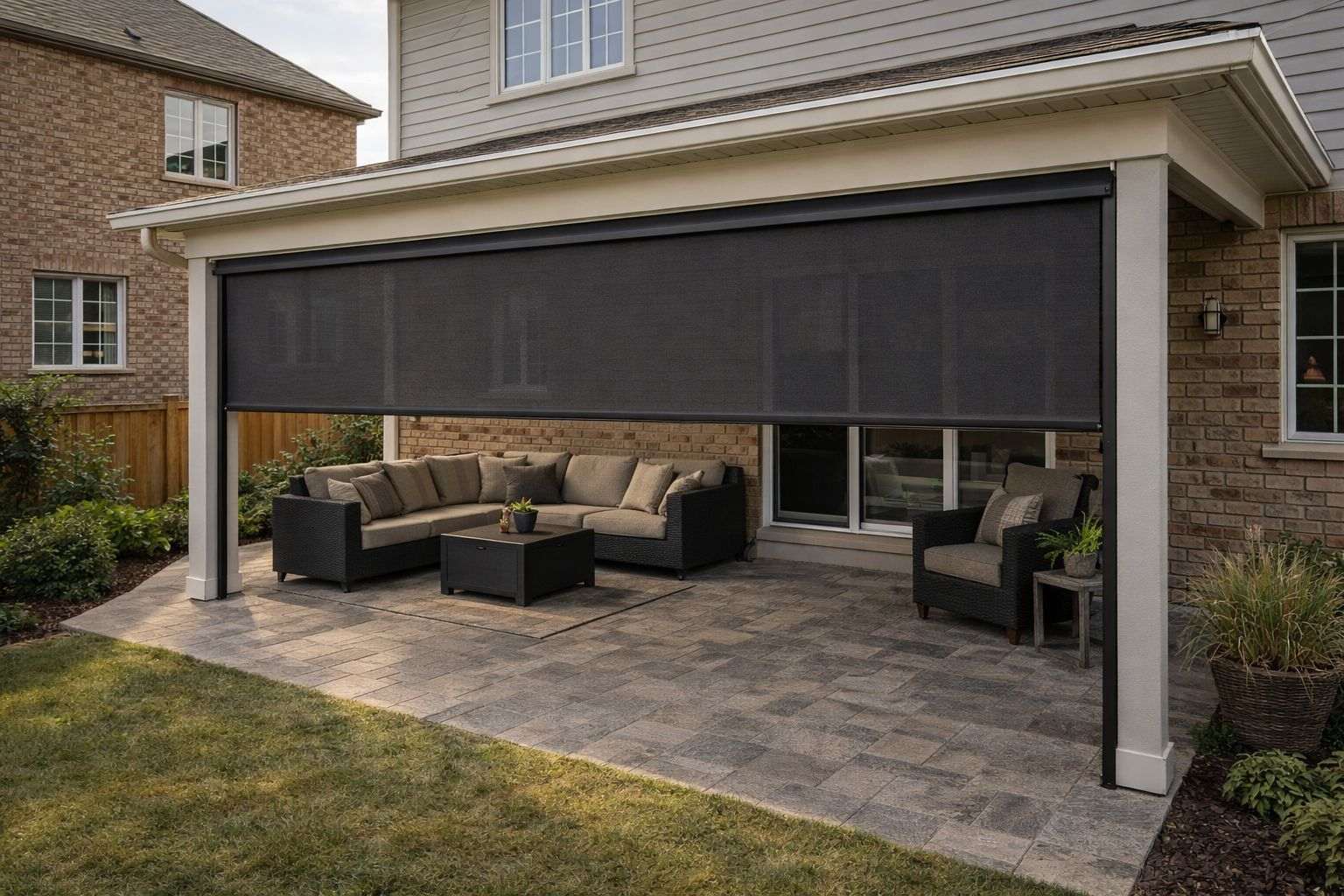
When the power goes out, a motorized privacy screen stays exactly where it was. It does not drop and it does not roll up. The motors run on household power, so the screen will not move again until power returns, unless it was ordered with a manual override, which lets you turn it by hand with a crank.
This guide covers what to check before you assume it is an outage, how an override is used safely, and how to avoid being caught with screens down in a storm.
Is it really a power outage?
If the rest of the house has power and one screen will not move, check these first:
- The breaker. Reset it if it has tripped.
- The outdoor outlet. If the motor is plugged into an exterior outlet, its ground-fault (GFI) button may have tripped. Press reset.
- The remote. Move closer and try again, then replace the batteries.
- Recent use. A motor that has been run repeatedly goes into thermal protection and resets by itself in 10 to 45 minutes. This does not harm it.
What is a manual override?
It is a motor with a socket for a hand crank, so the screen can be raised or lowered without power. We offer it as an option, but not every motor has one. It has to be chosen when the screen is ordered, so tell us at the quote stage if being able to move the screens in an outage matters to you. If you are not sure whether yours has one, ask us and we will check your order.
How do I use a manual override safely?
The one rule that matters: the motor must have no power when you crank it. Cranking a powered motor can damage it and voids the motor warranty. Power can also come back mid-crank, so switch it off yourself.
- Cut power to the screen at the breaker, wall switch, or disconnect, and confirm it is off.
- Insert the crank handle into the override socket.
- Turn slowly and smoothly. Do not force it.
- Stop at the top and bottom. Cranking past the limits can damage the motor.
- Remove the crank handle before you switch the power back on.
What if my screens have no override?
Then they wait for the power to come back, and the thing to avoid is having them down when a storm arrives. Screens are not built to stay lowered in high winds, and wind damage is not covered by the warranty. If severe weather is forecast, raise the screens before it gets there.
Will a wind sensor protect them?
A wind sensor raises the screens automatically when the wind picks up, and it is recommended on any motorized screen wider than 12 ft. It works before the power fails, which is usually when it is needed. It cannot raise a screen once the power is already out, so it reduces the risk without removing it. Our guide to screens and wind has more.
What happens when the power comes back?
The screens work as before. The motors keep their upper and lower stopping points, and the remotes stay paired. If a screen was cranked by hand, check that the handle is out before you use the remote.
If a screen stops short or runs past its usual position afterwards, do not keep trying. Call us. Our care guide covers the rest of the routine.